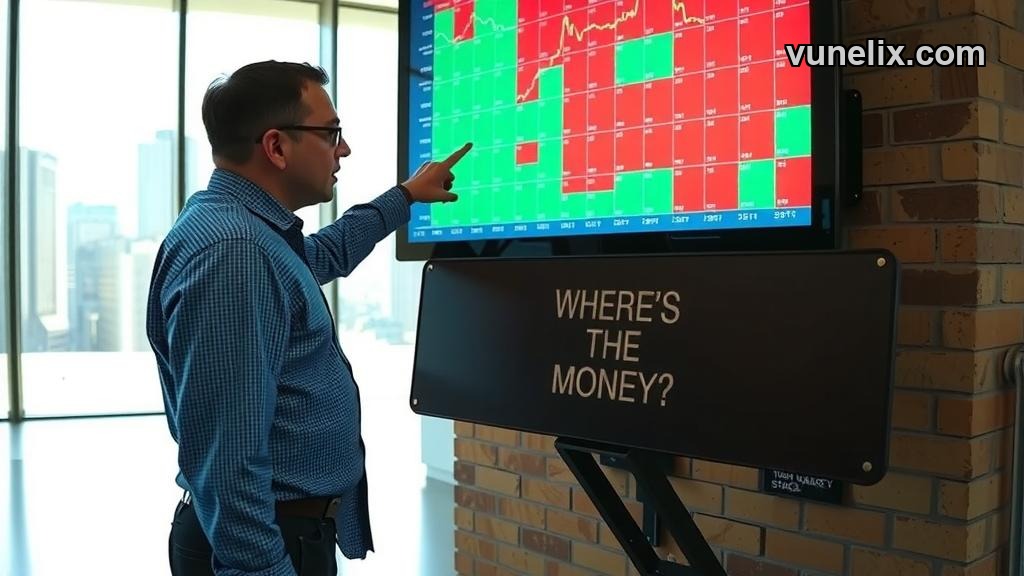
I stopped checking individual tickers after I put a stock heatmap on my trading dashboard. The visual difference between a healthy market and a sector-driven rally became obvious within seconds. You see the entire S&P 500 laid out by size and color—green squares expanding, red ones shrinking—and suddenly you know if it's tech carrying the load or if the whole market's moving together.
The Stock Heatmap widget loads live market data without signup, API keys, or payment walls. You paste one line of code and it runs on any site—WordPress, Wix, custom HTML, whatever. I've tested it on three different platforms and it renders the same way every time.
What It Actually Shows You
Market cap determines square size. Price change determines color intensity. That's the entire logic and it works better than scrolling through sector ETFs one by one. When semiconductors are bleeding dark red while utilities sit neutral, you know exactly where money's rotating.
The widget pulls real-time data during market hours and updates every few seconds. After hours it shows the last close. I keep it open on a second monitor during trading sessions because it catches sector moves before they hit my watchlist alerts.
You can filter by S&P 500, Nasdaq 100, or Dow Jones. The stock market movers widget gives you the same names in list format but the heatmap's spatial layout is faster to scan. Your brain processes color blocks quicker than reading rows of numbers.
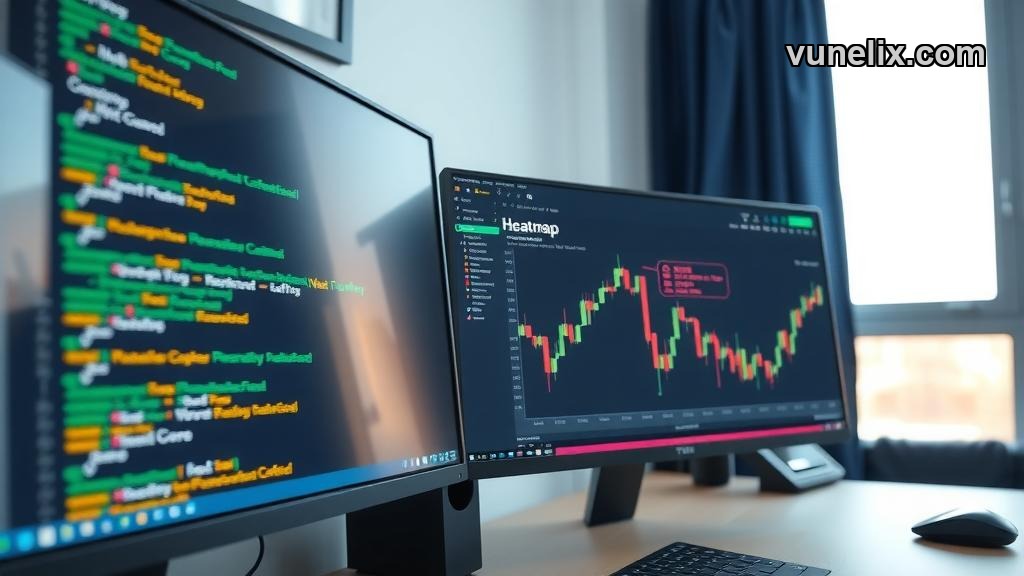
Customization Options That Matter
Color schemes toggle between red-green, blue-orange, and grayscale. I use grayscale when I'm streaming because it looks cleaner on camera. Font size adjusts if you're embedding it in a tight sidebar versus a full-width page section.
- Background color — match your site's theme without clashing
- Border toggle — frames or no frames around each square
- Company labels — full names, tickers only, or hidden
- Responsive sizing — scales down for mobile without breaking layout
The widget doesn't force branding. No "powered by" watermark unless you want to add attribution yourself. I've seen people embed it on client dashboards, internal company portals, even classroom projector screens for finance courses.
When Heatmaps Beat Traditional Screeners
Screeners work when you know what you're hunting for. Heatmaps work when you don't. March 2025 tech selloff—I watched the entire semiconductor column turn deep red while consumer staples stayed green. That spatial information hit me faster than any alert could've fired.
The crypto heatmap widget uses the same logic for digital assets but stock market structure is different. Equities have clearer sector divisions. When financials move opposite to tech, you're seeing rotation. When crypto dumps, everything dumps together most of the time.
I use the stock version for swing trade setups. If a sector's been red for three days straight and suddenly flips green, I start looking for individual entries within that group. The heatmap doesn't tell me which specific stock to buy but it tells me where to start digging.
Embed Process Takes Under Two Minutes
Copy the embed code from the widget page. Paste it into your HTML editor. Refresh the page. That's the whole process. No developer needed, no complicated iframe parameters, no authentication tokens.
The code snippet is about eight lines. You can adjust width and height in the parameters if the default 800x600 doesn't fit your layout. I run it at 1200x700 on desktop and it scales down automatically on mobile without horizontal scrolling issues.
Free tier has no request limits that I've hit. I've left it running for entire trading sessions—six hours straight—and it never throttled or showed connection errors. The full widget library has similar reliability across forex, crypto, and other asset classes.
What It Won't Do
It won't show historical heatmaps. No rewind button to see what the market looked like yesterday or last week. If you need that, you're building a custom tool with archived data.
It won't let you click into individual stocks for deeper analysis. The widget's job is overview, not drill-down. You see Apple's down 2.1% as a red square—if you want the chart, you open it somewhere else.
No export function for the visual layout. You can screenshot it but you can't download a CSV of the heatmap state at 2:47 PM on a specific day. For structured data exports, the market movers widgets handle that better since they're already in table format.
How I Actually Use It Daily
Pre-market: check if overnight futures action translated into sector-wide moves or just index-level noise. If energy's blazing green but everything else is flat, I know where